قيد المراجعة لدى سلةIn review with Salla
شَهِيShahi
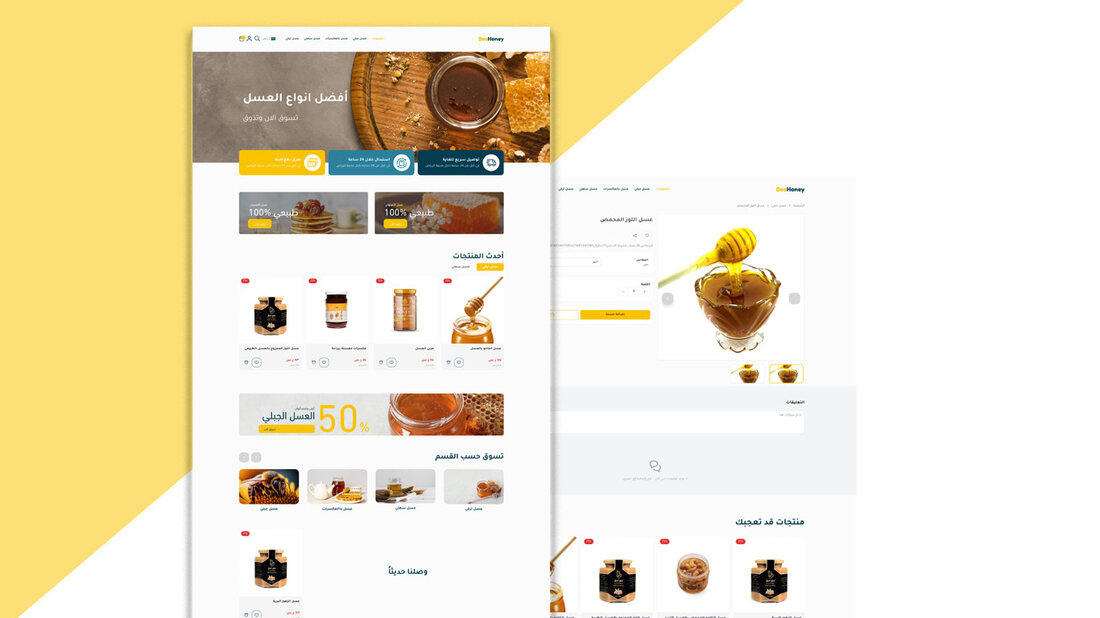
ثيم متاجر سلة للأغذية والعسل والتمور والمنتجات الطبيعية، مع 12 قسماً للصفحة الرئيسية.
A Salla store theme for food, honey, dates and natural products, with 12 homepage sections.

الثيمات التالية من تطوير تك ستيشن ومنشورة على متجر ثيمات سلة، ويمكن لأي تاجر معاينتها وتركيبها على متجره.
The following themes are developed by Tech Station and published on the Salla Theme Store, where any merchant can preview and install them.
ثيم متاجر سلة للأغذية والعسل والتمور والمنتجات الطبيعية، مع 12 قسماً للصفحة الرئيسية.
A Salla store theme for food, honey, dates and natural products, with 12 homepage sections.
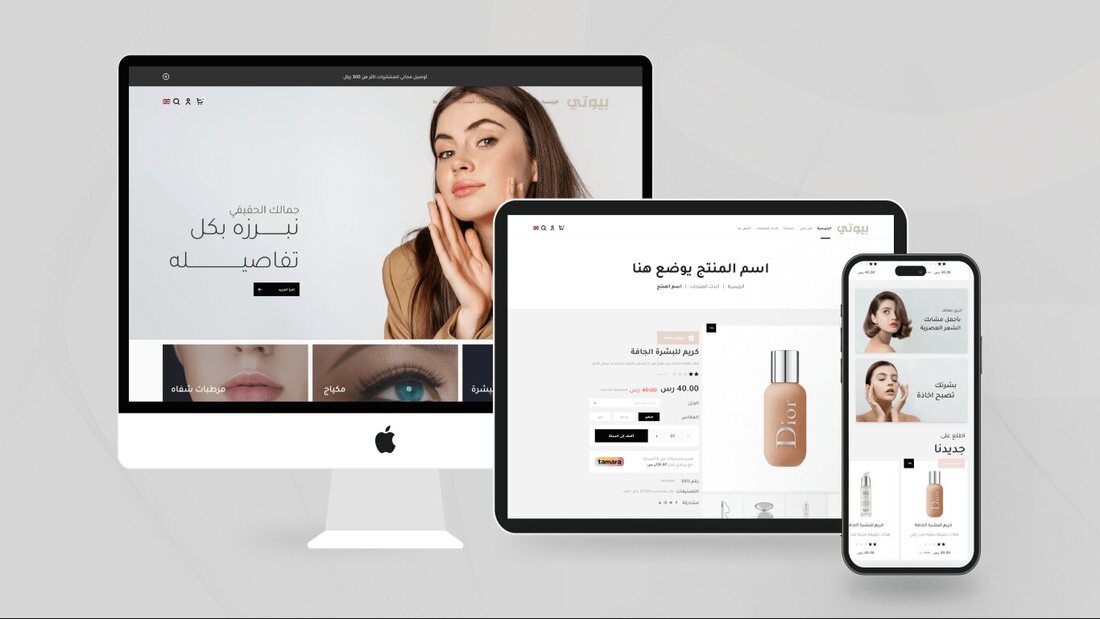
ثيم متاجر سلة موجّه لقطاعات الأزياء ومستحضرات التجميل والعناية والإكسسوارات والهدايا، مع 14 مكوّناً للصفحة الرئيسية.
A Salla store theme for the fashion, cosmetics & care and accessories & gifts categories, with 14 homepage components.

ثيم سلة من تك ستيشن، منشور ومتاح للتركيب من متجر ثيمات سلة.
A Salla theme by Tech Station, published and available to install from the Salla Theme Store.
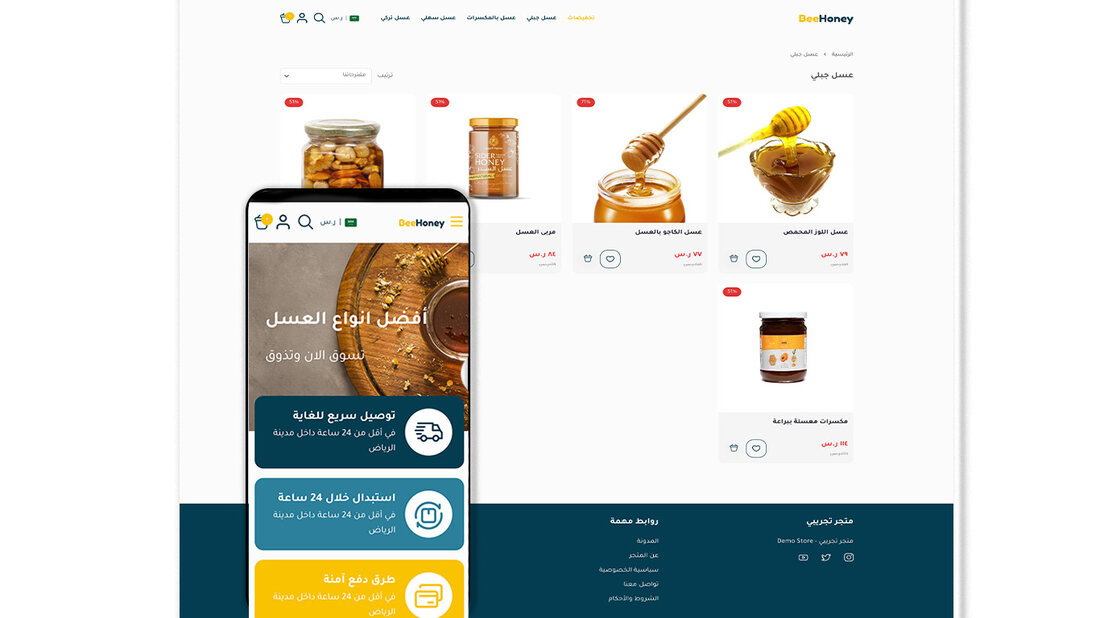
ثيم سلة من تك ستيشن، منشور ومتاح للتركيب من متجر ثيمات سلة.
A Salla theme by Tech Station, published and available to install from the Salla Theme Store.
شرح متجر الثيمات وخطوات التركيب من سلة نفسها متاح في مركز مساعدة سلة.
Salla’s own guide to the Theme Store and installation steps is available in the Salla Help Center.